
Start with configuration and working envelope
A robot datasheet describes a particular model and configuration. Confirm the arm, controller, software, mounting orientation, cables and options before using it for sizing. A product family page may combine several models whose specifications differ.
Reach is usually shown as a geometric envelope, not a guarantee that the robot can reach every point with the required tool orientation or payload. Check the manufacturer’s reach diagram and test the complete tool centre point path in the proposed layout.
- Exact model, controller, mounting orientation and included options
- Reach diagram, axis limits, wrist clearance and tool orientation
- Floor, wall, ceiling or inverted mounting limits

Read payload and motion figures in context
Payload includes more than the part. The gripper, cables, adapters and other wrist-mounted equipment contribute mass and moments. Verify whether the published payload is nominal, maximum or application-dependent, and use the manufacturer’s inertia and centre-of-gravity limits.
Maximum speed does not equal production cycle time. Path length, acceleration, payload, posture, settling time, external axes and controller settings all affect the result. Ask for a simulation or application test using the actual motion and part sequence.
- Tool, part, cable and adapter mass at the flange
- Centre of gravity and inertia at the wrist
- Speed, acceleration, cycle-time conditions and settling requirements
Understand repeatability, environment and interfaces
Repeatability describes how closely the robot returns to a taught pose under defined conditions; it is not the same as absolute accuracy or process accuracy. Check the test conditions and whether the figure refers to a standard measurement method such as ISO 9283.
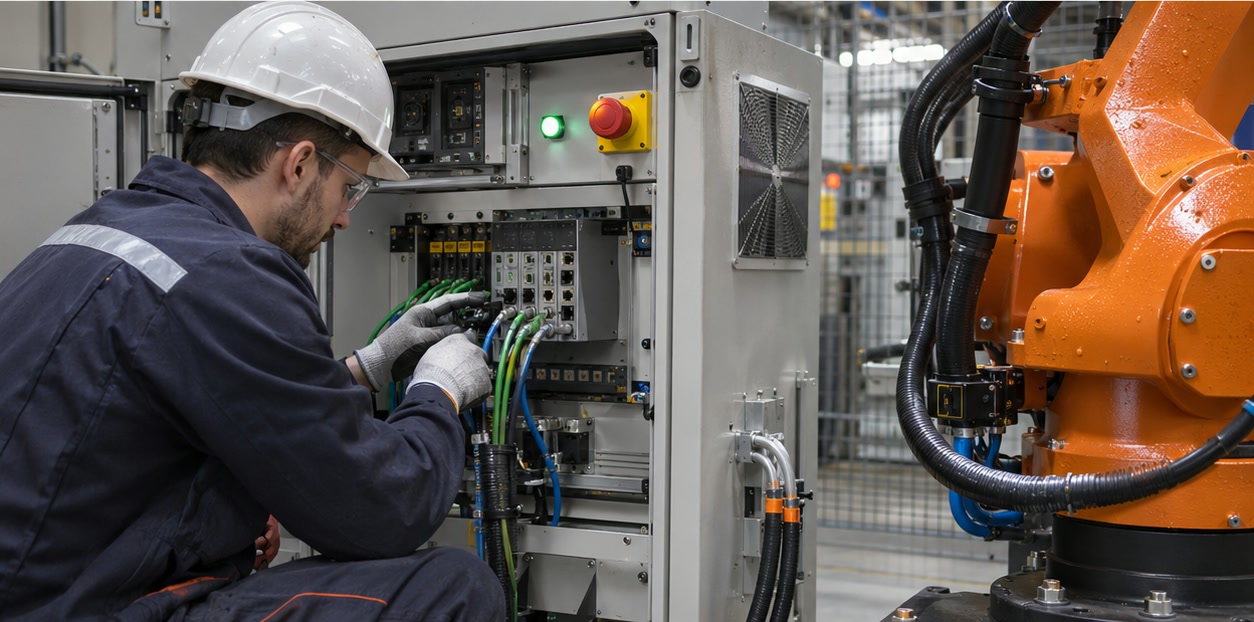
The environmental and integration details can determine whether a model works in your plant. Review ingress protection, temperature, cleanroom or hazardous-area approvals where applicable, plus controller I/O, industrial networks, tool power, software support and maintenance access.
- Repeatability definition and test method, separate from absolute accuracy
- IP rating, temperature range, mounting and environmental limitations
- Controller interfaces, safety functions, programming tools and service documents
What should I check first on an industrial robot datasheet?
Start with the exact model and configuration, then check the application envelope, payload including the tool, centre-of-gravity and inertia limits, motion conditions, repeatability definition, environment and controller interfaces.
Does a robot’s maximum payload mean it can carry that much at full reach and speed?
Not necessarily. Payload limits can depend on wrist moments, centre of gravity, speed, acceleration and robot posture. Confirm the manufacturer’s load diagrams and application conditions for the intended motion.
Sources and further reading
- International Federation of Robotics — Industrial robot definitions and types — Definitions of industrial robot structures and terminology.
- ISO 9283 — Robot performance criteria and test methods — Performance criteria and related test methods for manipulating industrial robots.
- EFORT — Robot product selector — Example manufacturer product selector with model-level robot specifications.
Technical descriptions link to published sources. Specifications can change; verify the current documentation before purchase.