
What payload usually means
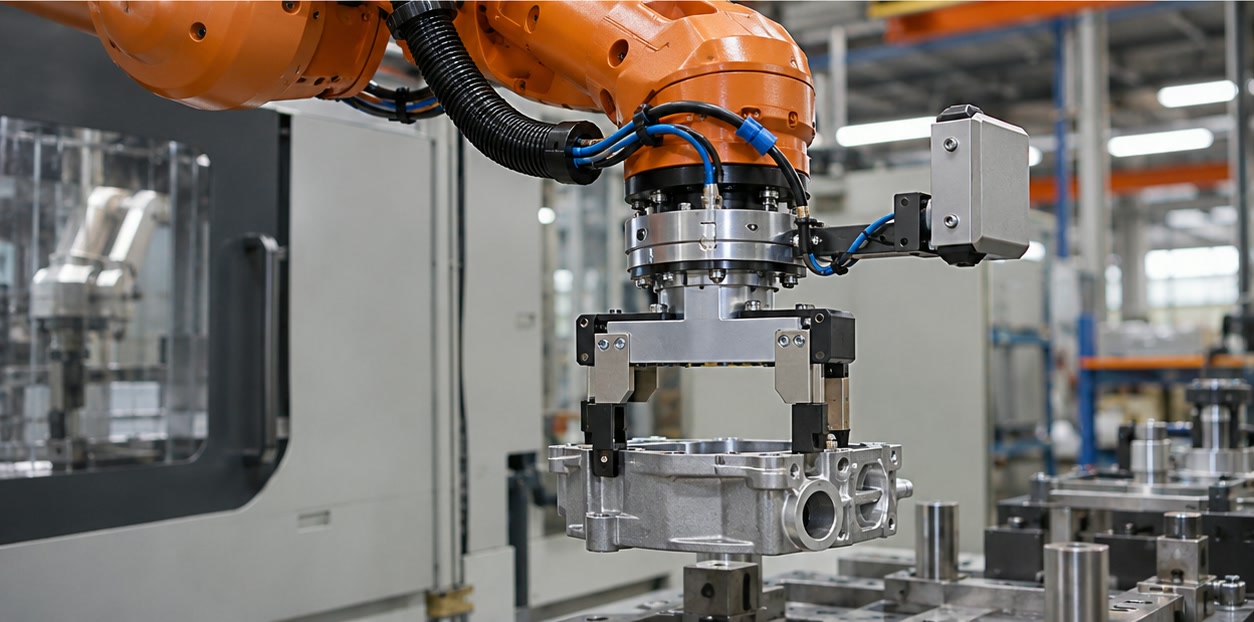
Payload is the load a robot is specified to carry at its wrist under stated conditions. The application load commonly includes the tool, its cables or dress pack and the workpiece. Some manuals also describe center-of-gravity offsets or allowable moments because mass alone does not fully describe the load on the wrist.
Read the exact model manual for the definition and limits. A maximum payload figure should not be treated as a complete operating envelope for every pose, speed and cycle.
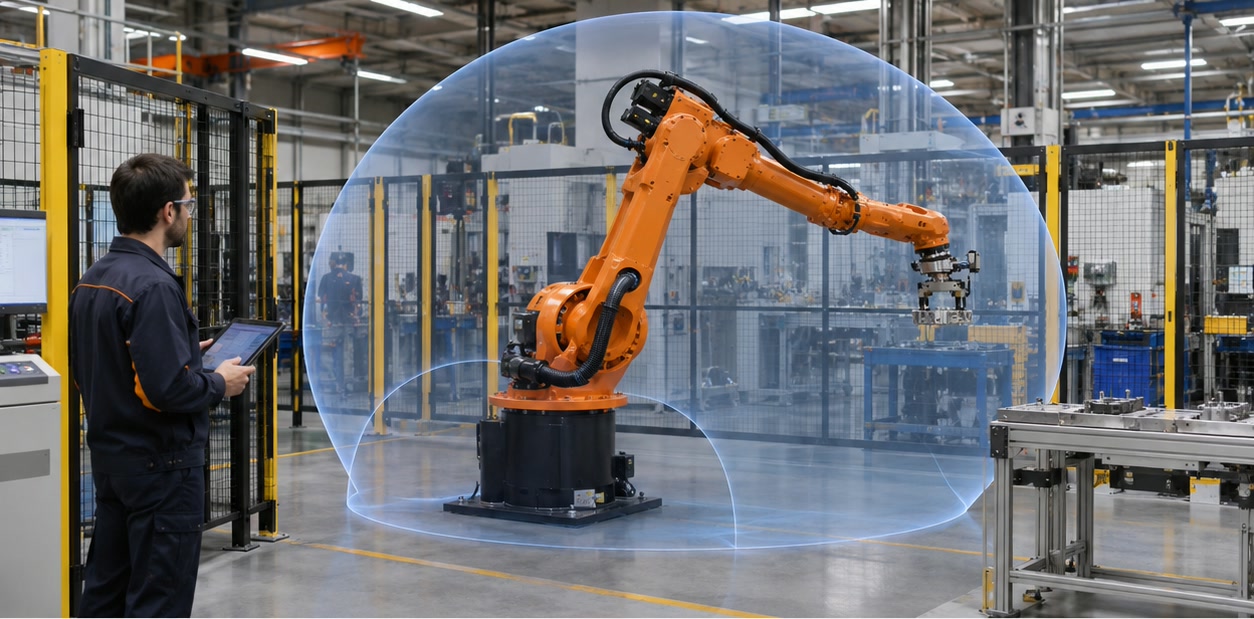
How reach should be interpreted
Reach is a geometric measure, often reported as a radius or distance from a reference point. It does not mean that every point in that radius is reachable with every tool orientation. Joints, mounting angle, nearby equipment and singular or restricted regions shape the usable workspace.
Use the manufacturer’s reach diagram and a three-dimensional layout. Mark all process points, fixtures, doors, conveyors, tool changes and maintenance positions, then validate the motion path rather than checking only the farthest point.
A practical checklist
Record the payload calculation, including every item at the wrist and its center of gravity. Check how the supplier defines payload, how the figure changes with motion conditions and whether the full path reaches the required positions. Ask for a manual or load diagram that covers the exact model and mounting.
A matched application trial or simulation can reveal clearance and load issues early. Keep the result with the application requirements so later changes to the tool or part trigger a recheck.
- Tool and cable mass
- Part mass and center of gravity
- Wrist moment or inertia limits
- Reach diagram, mounting and required tool orientation
- Motion and duty assumptions behind the published data
Does a robot’s payload include the gripper?
The catalog definition depends on the manufacturer and model. For application sizing, include the gripper, tool, cables and part in the wrist load unless the manual states otherwise.
Does the reach figure show the full usable workspace?
Not by itself. Check the model’s reach diagram, allowed joint motion, tool orientation and cell layout.
Sources and further reading
- EFORT: Robot Product Selection — Published product search fields for wrist payload and reach.
- EFORT ER210-2700/ER150-2700 Mechanical Operations Manual — Example of model-specific specifications and repeatability test conditions.
- ABB IRB 5720 Family — Manufacturer example of a family presented with payload and reach variants.
Technical descriptions link to published sources. Specifications can change; verify the current documentation before purchase.